
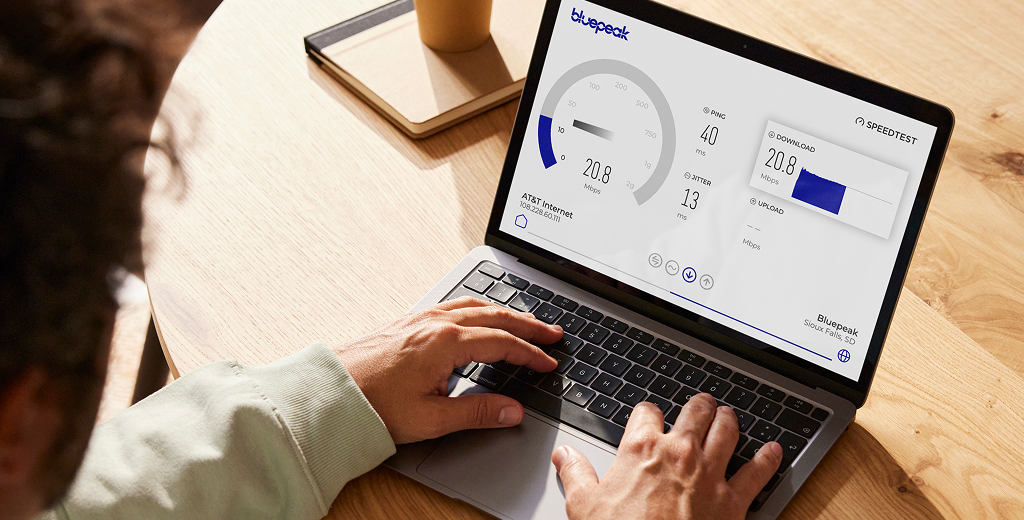
What your results mean
Understand the most important parts of your speed test and what each number says about your connection.
Ping
How fast your connection responds, which matters for gaming, calls, and real-time apps.
Download Speed
How quickly your connection receives data for streaming, browsing, and downloading files.
Jitter
How consistent your connection response is. Lower jitter means smoother real-time performance.
Upload Speed
How quickly your connection sends data for video calls, cloud backups, and sharing files.
New Bluepeak Customers
Check your address for Bluepeak internet plans and choose the speed that fits your home.
Check AvailabilityCurrent Bluepeak Customers
Sign in to review your account, compare available speed options, or upgrade your Bluepeak internet plan.
Upgrade NowUnderstanding your speed is just the start
Your result is one part of the picture. Wi-Fi strength, device capability, distance from your router, and household demand can all affect performance.

Improve your Wi-Fi
If speeds dip in certain rooms, Whole-Home Wi-Fi can help bring stronger coverage where you use it most.

Explore faster plans
Need more bandwidth for streaming, gaming, video calls, and smart devices? Compare Bluepeak fiber internet plans for busy homes.

Learn more about speed tests
Learn how to read your speed test results and troubleshoot common issues before they slow down your day.

Stream and watch TV your way
Bring live TV and streaming apps together with Bluepeak TV, plus local channels, sports, and more ways to watch.
Internet Speed FAQs
What is a good internet speed for my home?
A good internet speed depends on how many people and devices are online at the same time. Streaming, gaming, video calls, smart home devices, and working from home all add demand. If your household is often online in several rooms at once, a faster Bluepeak internet plan may help keep everything running smoothly.
Why does my internet speed test result change?
Speed test results can change because of Wi-Fi signal strength, device age, distance from your router, network traffic, VPN use, background downloads, and how many devices are connected. For the clearest picture, run a few tests at different times and compare Wi-Fi results with a wired test when possible.
Should I test my speed over Wi-Fi or with an Ethernet cable?
Use both if you can. A wired Ethernet test gives you the best view of the connection coming into your home. A Wi-Fi test shows the speed your device is getting in a specific room. If wired speed looks strong but Wi-Fi speed is low, coverage, placement, or device limits may be the issue.
Why is my speed lower than the plan speed?
Your plan speed is only one part of the experience. Older devices, Wi-Fi interference, router placement, cable limits, and heavy household usage can all lower the result you see on one device. Try testing close to your router, closing background apps, restarting your equipment, and using a wired connection for comparison.
How can I improve my Wi-Fi speed at home?
Start by moving closer to your router, restarting your equipment, checking that cables are secure, and testing more than one device. Keep your router in an open, central location and away from thick walls or electronics that can interfere with signal. If some rooms still have weak coverage, Bluepeak Whole-Home Wi-Fi can help extend a stronger connection across your home.
Need help choosing the right speed?
Check availability to see Bluepeak internet options at your address and pick a plan built for your home.
Check Availability